

[ Identity Protection ]
Watch the whole organisation, not five executives
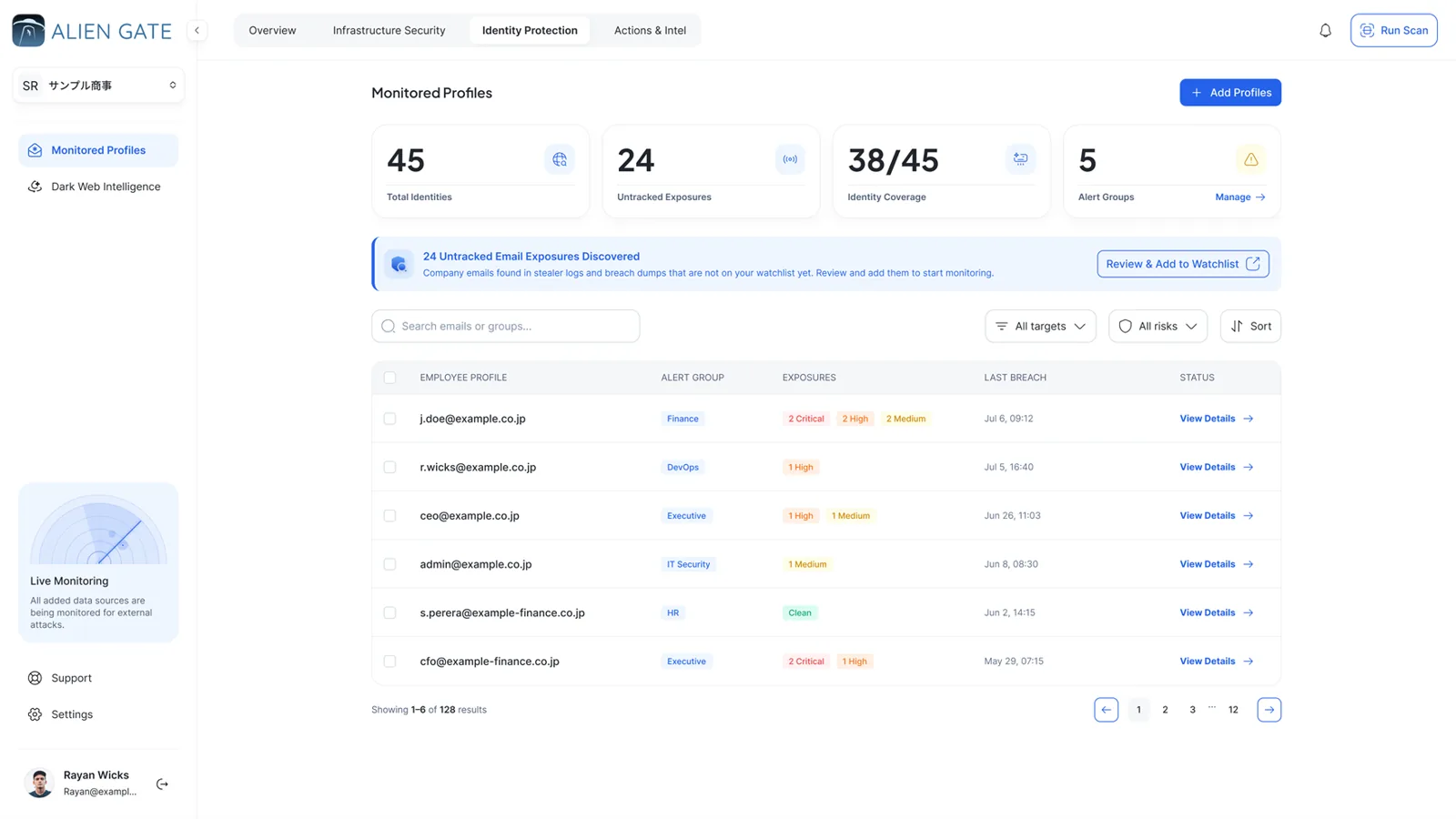
Three of the four exposure types attach to a person. Identity Protection monitors every company address you add, groups alerts by team, keeps a tighter ruleset for VIPs and shows you the identities you have not covered yet.
3 of 4
Exposure types attach to a person
Groups
Alerts routed by team
Minutes
From new dump to alert
Ratio
Coverage, not a checkbox
[ Monitored profiles ]
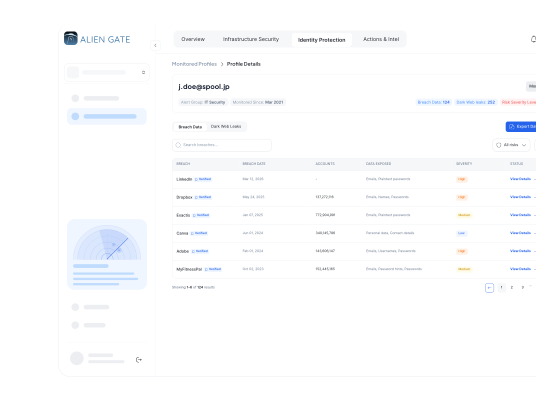
Every person, every exposure, one card
Leaked credentials, stealer logs, breach records and personal data found for an address are collected on one profile, with the source and date of each, so the owner of that team sees the whole picture at once.


Monitored profiles
Coverage is a ratio, not a checkbox
Every identity we discover but you haven't tracked shows up as a shortfall you can close.


Alert groups
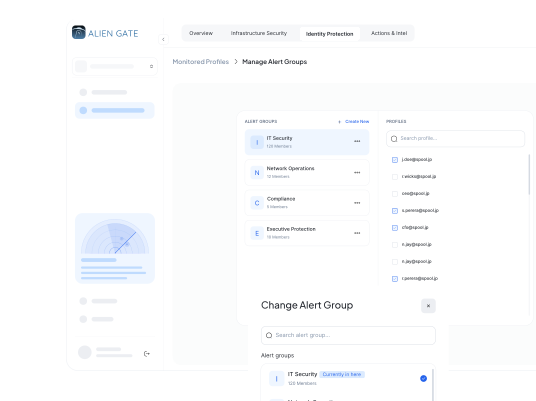
Routed by team, not by name
Each group keeps its own alert history, so a Finance hit never gets lost in a company-wide feed.

VIP protection
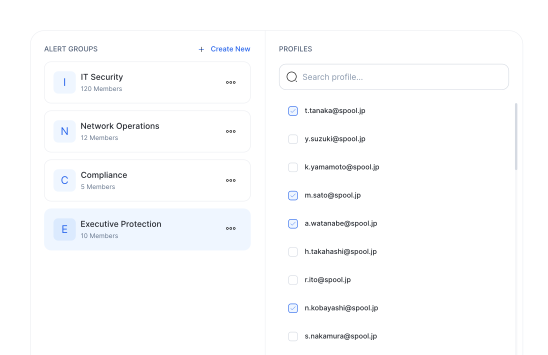
A tighter ruleset, not a second contract
Board-level identities get lower thresholds and immediate escalation on any match.
[ Who we watch ]
How a leak finds the right inbox
Identity monitoring is the routing layer. It decides who is told, how fast, and what is already known about that person.
Alert groups
Monitor by team, not by name. Every group carries its own alert history, so a hit in Finance never gets lost in a company-wide feed.
01 · GROUPS

Identity coverage
Coverage is a running ratio. Every identity we discover but you haven't tracked shows up as a shortfall to close.
02 · COVERAGE

Continuous matching
Minutes, not the next scan window. New dumps are ingested continuously and matched against every monitored identity as they land.
03 · MATCHING

Untracked emails
Company addresses found in stealer logs and breach dumps that aren't on your watchlist yet, surfaced for review and never silently merged.
04 · UNTRACKED
[ What a profile carries ]
Enough to act, never a usable secret
The profile tells you what is exposed and where it came from. It does not hand anyone the password or the cookie.
Exposure
What the profile shows
What you do
Leaked credential
Service or login URL, source, first seen, masked password, confidence grade
Reset the password, enforce MFA, check for reuse
Stealer log
Infected host name and OS, malware family, session and cookie indicators, capture date
Revoke sessions, isolate and clean the device
Public breach
Breach name, reported date, data categories exposed
Brief the person, watch for phishing that uses the data
PII exposure
Leak site or channel, the organisation named, record types seen
Open an incident, assess notification duties
Status
Clean, exposed or tracked, with the Issue Tracker card when one exists
Move the card across the board until it is closed
[ How it works ]
From an address to an owned ticket
Four steps, and none of them is a spreadsheet.

Add the people
Import company addresses or add them one by one, and place each in an alert group that mirrors your org chart.
01 · ADD

Match continuously
Every new dump, log and leak-site listing is matched against the monitored identities as it is ingested.
02 · MATCH
Alert the right team
The group that owns the person gets the alert, with its own history. VIP rules escalate immediately.
03 · ALERT

Track to closure
One click moves a profile onto the Issue Tracker as a card with an owner, a due date and every exposure attached.
04 · TRACK
[ Faq ]
Frequently asked questions
The questions teams ask before they add their people.
Check an address. If it is already out there, you will know in under a minute.
Run a free exposure check on your domain, then add the people worth watching. Monitoring starts the minute you add them.


