If you are looking for ransomware protection software, here is the conclusion up front.
For individuals, Norton 360 offers easy all-round protection; for small businesses without dedicated IT staff, AppCheck is easy to add on top of existing software; and for mid-sized companies and larger with IT staff, the realistic setup is EPP plus EDR.
According to the National Police Agency's "Threats in Cyberspace in 2024 (Reiwa 6)", the number of ransomware incidents reported in Japan surged from 21 in the second half of 2020 to 222 in 2024.
In IPA's "10 Major Information Security Threats 2026", "damage from ransom attacks" also ranks first among threats to organizations.
This article lays out the following three points clearly:
- The types of ransomware protection software and how to choose
- Recommended products for individuals and businesses
- Criteria for judging whether free software or Windows Defender alone is enough
Note that simply installing software in-house is not always enough. We recommend starting with a free consultation with a security company.
We have summarized the basics and overall picture of ransomware in the article below.
What Is Ransomware? Infection Routes, Real Cases and Countermeasures Explained Simply (2026)
Why you need ransomware protection software now
"I know it's dangerous, but I don't know what to base my defenses on." Many people share this worry.
First, let's look at domestic damage trends and how attacks actually unfold to see why protection software is needed now.
Domestic incidents have grown more than tenfold in five years
In the National Police Agency's figures, ransomware incidents reported by companies and organizations rose from 21 in the second half of 2020 to 222 in 2024.
On a half-year basis, the figures were 61 and 85 in 2021, 114 and 116 in 2022, 103 and 94 in 2023, and 114 and 108 in 2024, and the first half of 2025 saw 116, so the level remains high.
In IPA's "10 Major Information Security Threats 2026", "damage from ransom attacks" ranks first among threats to organizations and has been listed for 11 consecutive years since it first appeared in 2016.
| Period | Reported incidents |
|---|---|
| H2 2020 | 21 |
| H1 2021 | 61 |
| H2 2021 | 85 |
| H1 2022 | 114 |
| H2 2022 | 116 |
| H1 2023 | 103 |
| H2 2023 | 94 |
| H1 2024 | 114 |
| H2 2024 | 108 |
What's more, the damage is not limited to large companies.
According to National Police Agency data, 2024 saw 140 incidents at small and medium-sized businesses, 61 at large companies and 21 at organizations, with SMBs accounting for about 63% of the total.
In the first half of 2025, SMBs accounted for 77 incidents, about two thirds of the total.
The view that "we're small, so we're probably a low priority" does not match the current reality.
"We have backups, so we're fine" is a thing of the past
Backups are still extremely important. But we are no longer in an era where you can say "we have backups, so we're safe."
CISA's StopRansomware Guide also states explicitly that because modern ransomware seeks out accessible backups to delete or encrypt them, backups must be kept offline or immutable and tested for restoration regularly.
In other words, what matters about backups is not "having them" but "whether they are maintained in a form attackers cannot touch."
Moreover, paying the ransom does not guarantee recovery. The FBI does not recommend paying ransoms and states clearly that paying does not guarantee you will get your data back.
Paying not only benefits the attackers but also encourages more crimes of the same kind. The hope that "if we get encrypted, we can always pay as a last resort" is dangerous in practice as well.
Why traditional antivirus alone cannot stop it
Traditional antivirus basically identifies and blocks known malicious programs using definition files and signatures.
This approach is still effective, but it is not enough on its own against unknown variants, techniques that abuse legitimate tools, or attacks that move laterally after intrusion before starting encryption.
Microsoft itself provides Microsoft Defender Antivirus as standard protection in Windows, while assuming that companies need capabilities such as Microsoft Defender for Endpoint, which cover detection, investigation and response after a compromise.
In corporate environments especially, what matters is not only "whether it was detected" but "which device it came in through, how far it spread, what to stop and what to investigate."
Windows Defender is effective as a minimum baseline, but it is not suited to being the sole basis of a company's ransomware defense.
Whether or not you already have software in place, you need to think separately about defense before intrusion, visibility after intrusion, and means of recovery. If it is hard to do this on your own, consulting a security company can help you build adequate defenses.
How to choose ransomware protection software
Looking at product names alone, there are so many types that many people struggle to decide which is best.
Organizing your choice around three things, "layer of defense," "your company's size and operating structure," and "compatibility with existing software," makes the decision much easier.
Choose by the layer of defense it covers (before intrusion, after intrusion, recovery)
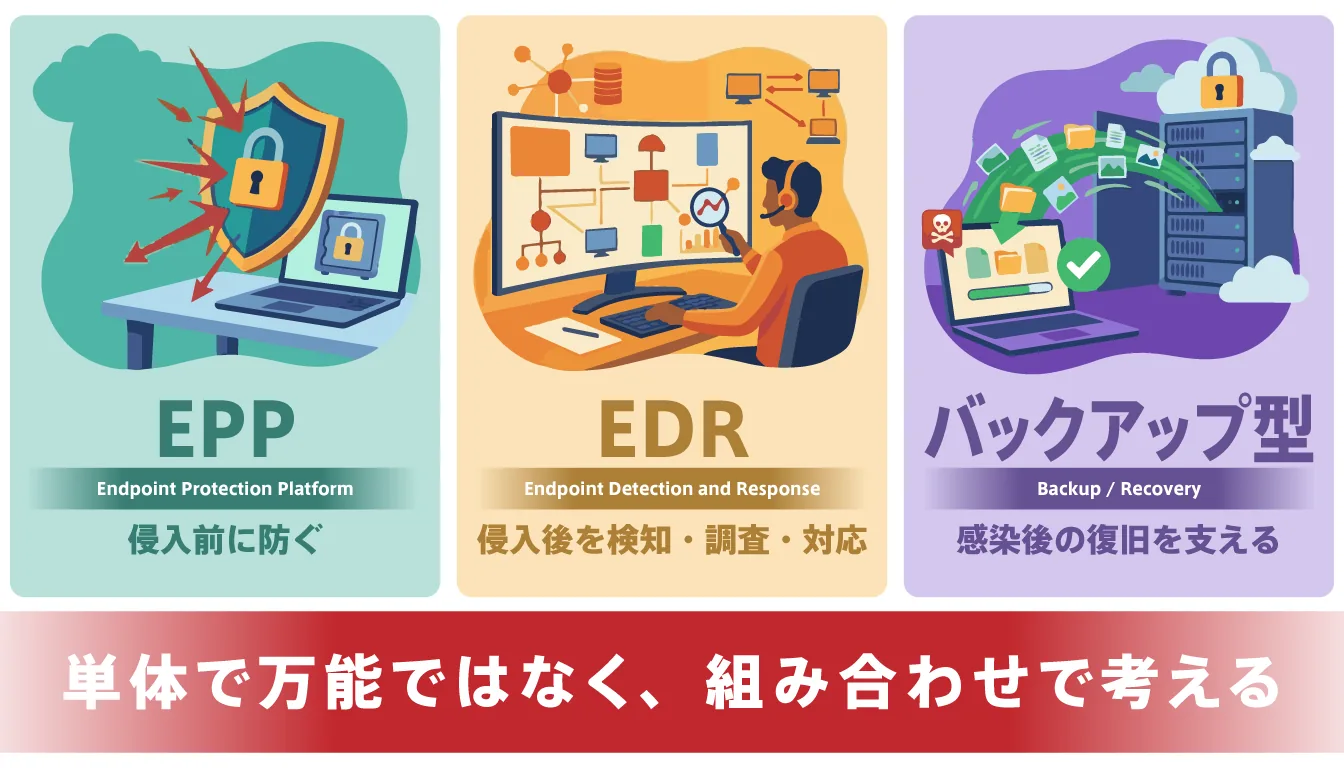
Ransomware protection software is easier to understand if you divide it into three broad groups by role.
The first, EPP (Endpoint Protection Platform), is protection designed to prevent intrusion itself. It closes off the entry points for damage by blocking access to malicious websites and preventing malicious attachments and known or unknown malware from running.
The second, EDR (Endpoint Detection and Response), is a mechanism that, if an intrusion does get through, detects the anomaly and makes what is happening on the device visible, leading on to investigation and containment.
The third, backup and recovery tools, catch signs of encryption and move files to safety, or help restore data that has been damaged.
In other words, none of these is an all-purpose product that solves everything alone; each protects a different area. When thinking about what your company needs, it is important to consider combinations with these differences in mind.
Choose by your company's size and IT structure
As a rule of thumb, it is easiest to decide by asking: for individuals and SOHO, "is it easy to protect yourself with a single product?"; for SMBs without IT staff, "is it light to deploy and run?"; and for mid-sized companies with IT staff, "can we respond using logs and alerts?"
For personal use or mainly working from home, an all-in-one EPP is often enough. For SMBs without dedicated IT staff, you are less likely to go wrong if you prioritize light operation, ease of adding to existing software, and recovery support features. Conversely, for mid-sized companies with IT staff and many devices, the realistic setup includes not only EPP but also EDR, so you can investigate and contain after an intrusion.
At companies that already have software installed, filling the gaps with an add-on is often smoother than replacing everything.
Choose by compatibility with your existing security software
In the field, it is common that "removing and replacing all of our current antivirus software would be a big job." In that respect, products like AppCheck that coexist easily with existing antivirus have the advantage of lowering the barrier to adoption. They suit companies that want to strengthen only their ransomware-specific defenses while keeping their existing environment.
On the other hand, EDR and integrated endpoint products need to be designed to avoid overlapping functions and management conflicts.
Microsoft also offers integration options such as EDR in block mode even when another vendor's antivirus is the primary product, but the actual configuration needs to be checked against your requirements. "Can we add it?" or "Should we replace?" is decided not just by performance but by operational design.
Key features of ransomware protection software
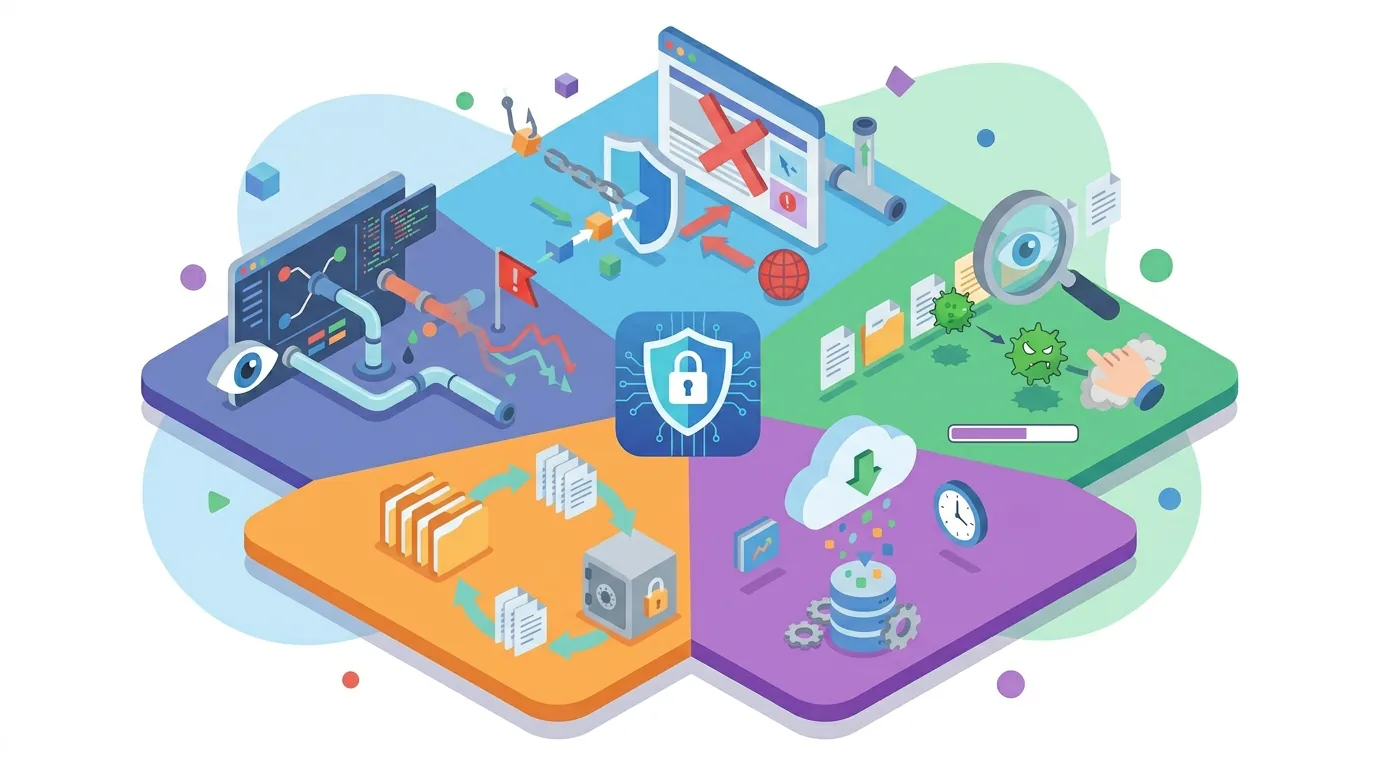
Before comparing by product name, understanding "what the software should be able to do in the first place" makes comparison tables much easier to read.
The basic approach to ransomware protection is not just "removal" but covering everything from reducing intrusions and spotting suspicious activity to recovering from damage.
Blocking malicious sites and infection routes
Many ransomware infections start from several entry points, such as suspicious emails, malicious URLs and vulnerable internet-facing devices.
In fact, the National Police Agency's "White Paper on Police 2023 (Reiwa 5)" shows that in 2022, VPN devices accounted for 62% of infection routes and remote desktop services for 19%. The "White Paper on Police 2024 (Reiwa 6)" likewise shows VPN devices at 63% and remote desktop services at 18% in 2023, so remote access routes remain the main entry points.
That is exactly why, as CISA's StopRansomware Guide also recommends, it is important to make entry-point defenses such as email and URL filtering and blocking suspicious sites your foundation.
Real-time virus detection and removal
Real-time detection is a mechanism that continuously monitors activity on a device, such as file creation and execution, external communication and encryption-like behavior, and blocks or quarantines it on the spot as soon as suspicious activity is detected.
Security products include signature-based detection, which is strong against known threats, and behavior-based detection, which stops unnatural behavior and abnormal operations.
Signature-based detection has long been widely used, but it has limits against unknown variants.
So in practice, rather than relying on one or the other, a product that combines both approaches for multi-faceted protection is the safer choice.
Automatic definition updates
When dealing with known malware and its variants, the freshness of definition files and engines matters.
Microsoft also advises that keeping Defender Antivirus up to date is important for protecting against new malware and attack techniques.
If updates are left to be done manually, they tend to get postponed in busy workplaces, and that delay becomes a gap in itself. Choosing software with automatic updates reduces those gaps.
Automatic file and data backup and restore
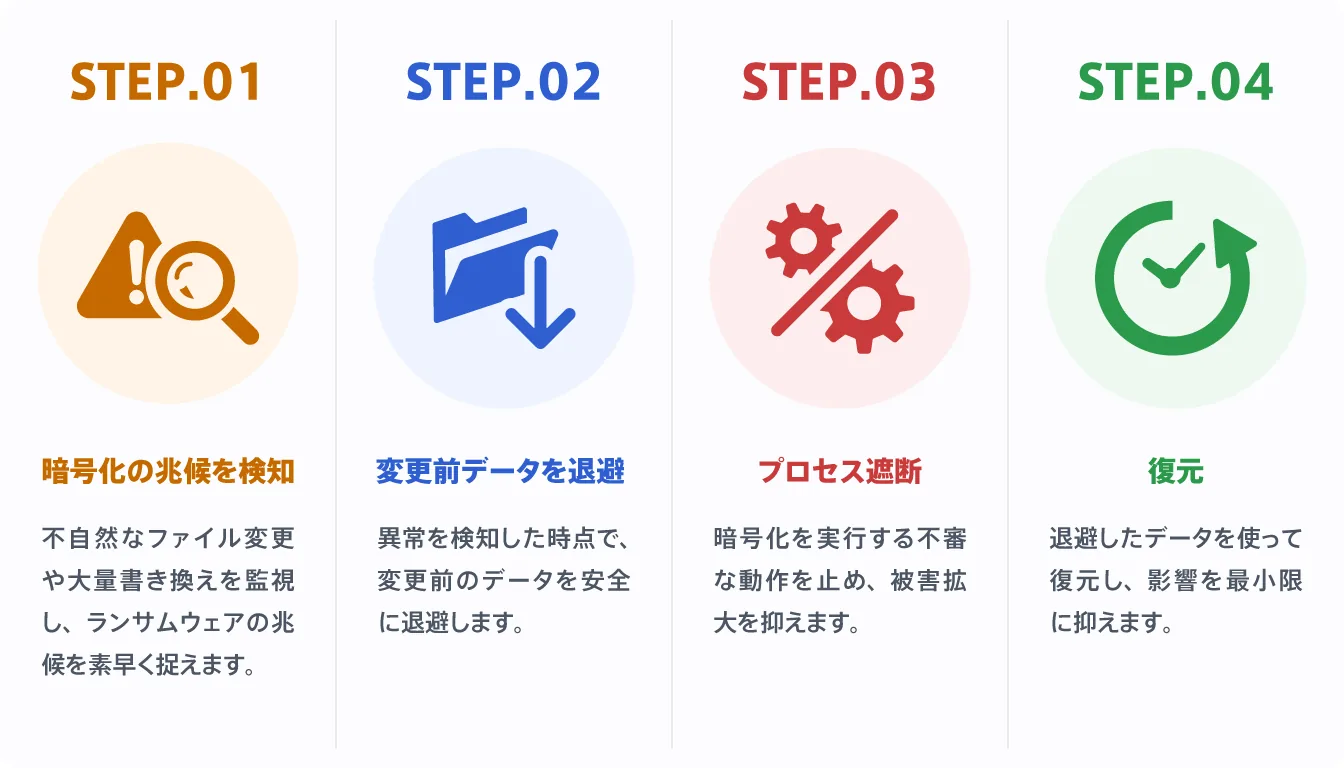
When thinking about ransomware protection, attention naturally tends to focus on "preventing infection," but in reality recovery features are also very important.
No matter how many measures you take, there is no guarantee you can prevent 100% of damage. That is why having a mechanism that keeps damage to a minimum if encryption does start makes a big difference.
Products such as AppCheck, for example, monitor file changes in real time and, when they detect activity that looks like encryption, have mechanisms to move files to safety or restore them.
Beyond simply storing data, whether a product can stop the anomaly mid-encryption or roll back to the state just before it is a point to look at carefully when comparing products.
Behavior-based anomaly detection (no pattern files required)
To prepare for unknown ransomware, the key is not to rely only on signatures that identify known threats. These days, variants that change shape little by little and newly created attack techniques keep appearing one after another, so there are times when definition files alone cannot keep up.
This is where behavior-based detection deserves attention. Behavior-based products do not rely solely on pattern files; by monitoring the behavior of files being rewritten unnaturally, they are designed to cope more easily with unknown ransomware as well.
Some products are also easy to use alongside existing security software, which makes them easier to adopt. If you value how quickly you can react to new strains and variants, this approach is very important.
Ransomware protection software compared [2026]
Checking the overall picture in the comparison table first and then looking at each product's features makes it easier to narrow down the candidates that fit your company. Prices and free-trial availability are based on each vendor's official pages as of March 10, 2026.
| Product | Type | Target size | Price range | Free trial | In a word |
|---|---|---|---|---|---|
| AppCheck / AppCheck Pro | Behavior-based, recovery support | Individuals to SMBs, file servers | From 9,600 yen/device/year; Server from 360,000 yen/year (excl. tax) | Yes | Coexists easily with other AV |
| ESET HOME Security | EPP (all-round protection) | Individuals to small businesses | From 4,750 yen/year | 30 days | Lightweight, multi-OS |
| Norton 360 | EPP (all-round, for individuals) | Individuals to SOHO | From 4,780 yen/year | Trial path equivalent to 30 days | VPN and backup built in |
| Trend Micro Virus Buster Cloud | EPP (all-round protection) | Individuals to small businesses | From 7,480 yen/year | 30 days | Strong domestic support |
| EDR products (Cybereason / CyCraft AIR, etc.) | EDR | Mid-sized to large enterprises | Contact vendor | Contact vendor | Strong post-intrusion visibility and response |
As the table shows, the baseline is all-round products for individuals, products that are light to deploy and easy to add on for SMBs, and an EPP + EDR combination for mid-sized companies and larger.
Which product you choose depends on whether you prioritize ransomware-specific protection or all-round protection.
AppCheck / AppCheck Pro
AppCheck is a product whose strength lies in monitoring abnormal file changes in real time, without relying on pattern files, to detect, block and recover from ransomware.
Its main features are that it copes well with unknown ransomware and coexists easily with existing antivirus.
In fact, the vendor officially promotes that it can be used alongside other products, so its design fits well with SMBs that find it "hard to throw away all our current protection."
Pricing is 9,600 yen per device per year for AppCheck Pro, 360,000 yen per year for the Windows Server edition, and 90,000 yen per year for CMS Cloud for management.
An evaluation version is available, which makes it easy to try before deploying.
It also offers shared-folder protection and server products, so it suits companies that want to protect file servers. Its advantages are strength against unknown ransomware, easy coexistence with other software, and a relatively light operational load after deployment.
The drawback is that it is not a product that covers all-round functions such as email security, MDM and identity protection on its own, so it fits better as an add-on to an existing EPP than as a standalone defense for the whole company.
For SMBs that want to strengthen ransomware protection first, it is one of the leading candidates.
ESET security software
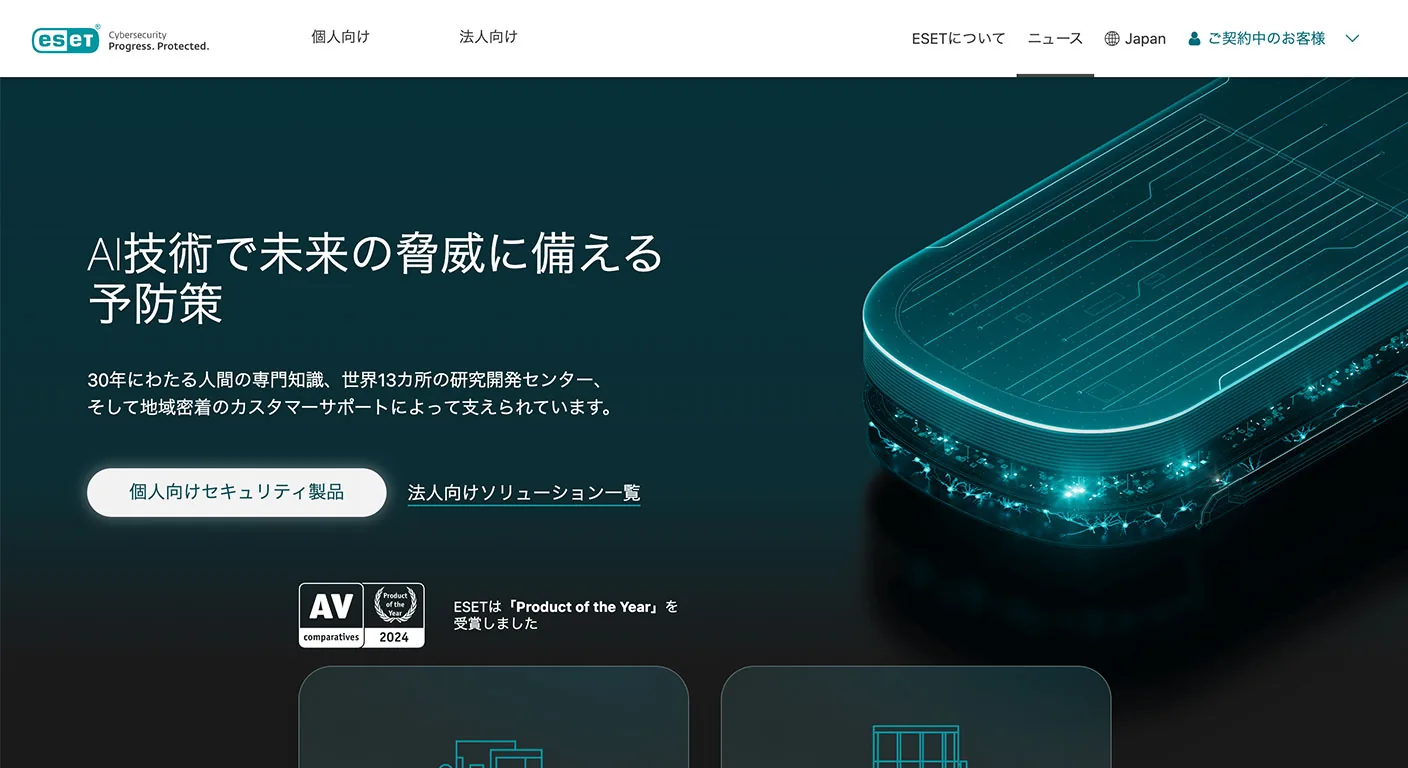
ESET is an all-round security product that strikes a good balance between light weight and protection.
Its consumer pages make its multi-OS support clear, it is easy to use across Windows, macOS, Android and iOS, and there is a 30-day free trial.
ESET as a whole protects more than 110 million users worldwide and is used in more than 200 countries and regions. Its track record of collaborating with Google on unwanted-software protection in Chrome can also be taken as a sign of technical credibility.
Pricing starts at 4,750 yen per device per year for Essential, and multi-device plans are also available.
Its advantages are that it is lightweight and easy to deploy, has all-round strength including anti-scam features and multi-OS support, and is easy to roll out from individuals to small offices.
The drawback is that if your top priority is ransomware-specific automatic recovery of the kind AppCheck promotes, its role looks somewhat different.
That said, for people who "want to protect broadly with a single product," it is a very easy option to work with.
Norton 360
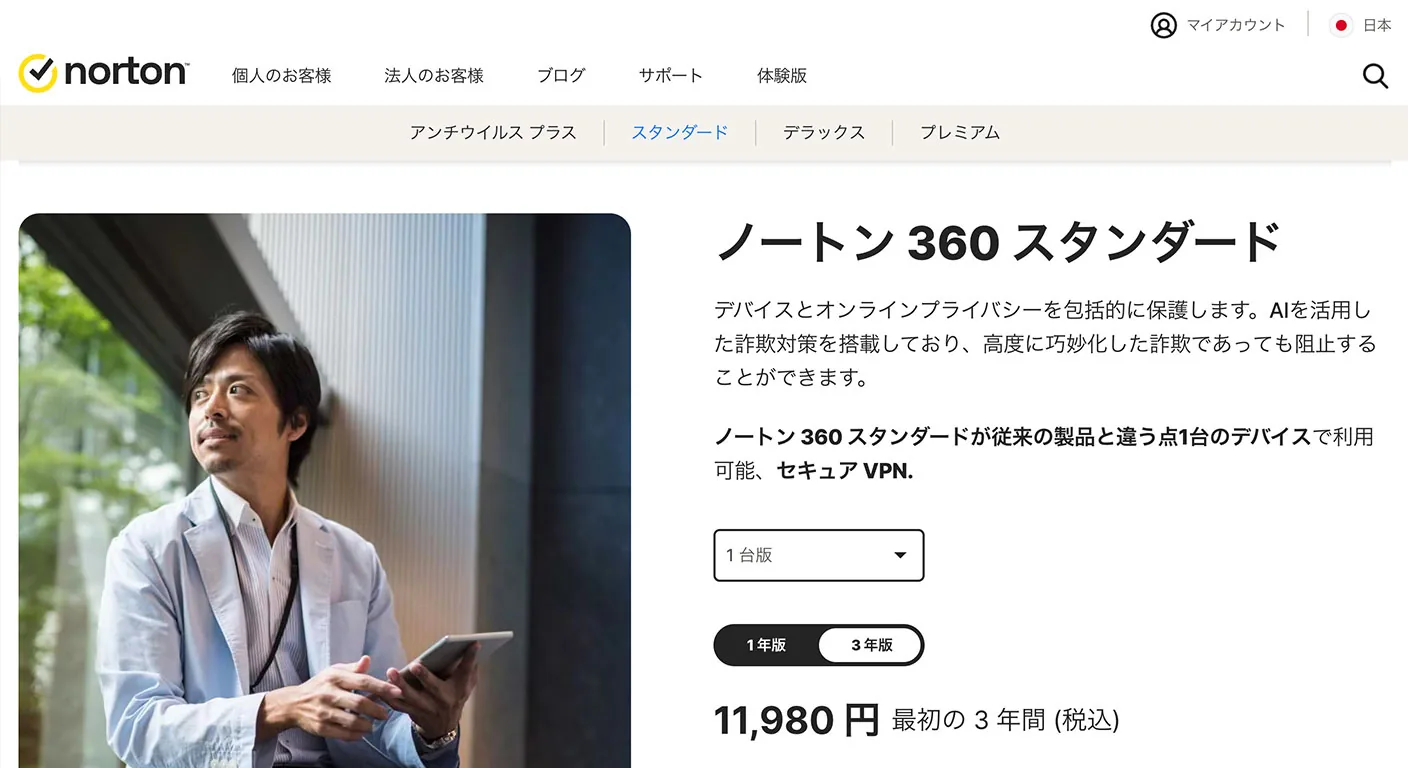
Norton 360 is a well-rounded all-in-one product for individuals, SOHO and remote workers.
According to the vendor, it provides virus, malware and ransomware protection plus a VPN, a password manager and cloud backup for Windows.
Higher-tier plans also include dark web monitoring.
Even people who are not familiar with PCs are likely to feel that "this one product will do for now." The Standard plan starts at 4,780 yen per year.
Its advantages are that it has all the features needed for personal use and is easy to use for remote work or side businesses. The drawback is that it is not designed for centralized management in a company or full-scale incident investigation, so it suits individual and small-scale use rather than being trusted with device protection across a whole company.
If you are an individual who "doesn't know what to choose," it is the first strong candidate.
Trend Micro Virus Buster Cloud
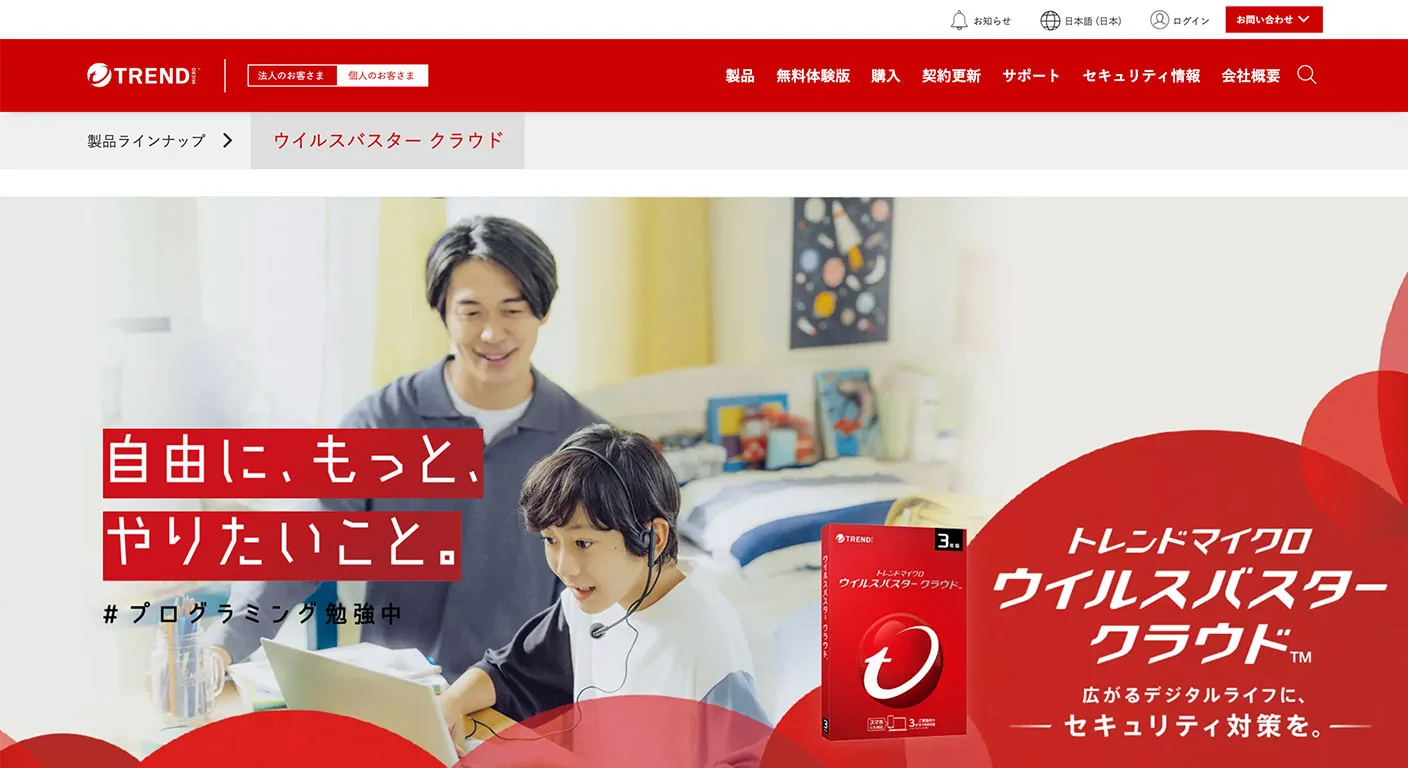
Virus Buster Cloud's appeal is its Japanese-language support and features that are easy to understand and designed with domestic use in mind.
The vendor promotes multi-layered protection, ransomware protection and online fraud protection, and there is a 30-day free trial.
It is a good match for readers who value the reassurance of a domestic brand and ease of use for families or small businesses. Pricing starts at 7,480 yen per year.
Its advantages are support and explanations tailored to the Japanese market and ease of use as an all-round security product.
The drawback is that, compared with detailed post-intrusion investigation like EDR or specialized recovery support like AppCheck, its role leans toward the all-round type.
For those who "value the reassurance of a domestically oriented vendor over overseas vendors," it is well worth considering.
EDR products (for mid-sized to large enterprises)
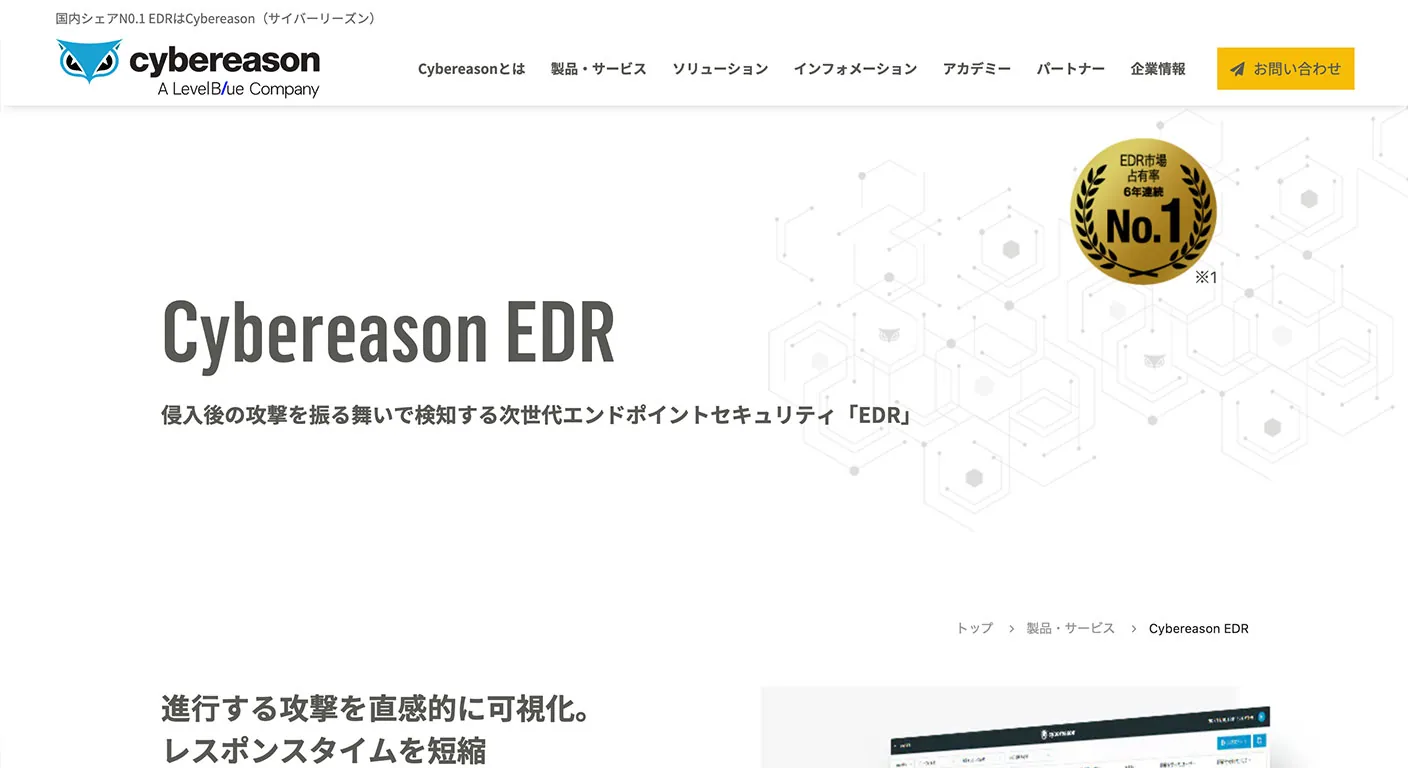
If mid-sized to large enterprises are serious about ransomware protection, they should look beyond EPP to EDR.
Cybereason EDR continuously monitors suspicious behavior on devices and, while analyzing it with cloud-based AI, visualizes the full picture of an attack to support a fast response.
By Microsoft's definition as well, EDR is the layer responsible for near-real-time detection of advanced attacks, visibility into the entire compromise, and carrying out response actions.
On the other hand, EDR is not something you install and forget.
You need people to watch alerts, people to decide on isolating devices and investigating, and operating rules.
Some products, such as CyCraft AIR, put AI and automated analysis front and center, but they still assume operation by in-house staff or an outsourced provider.
Most pricing is on request, and for companies without IT staff it may be overkill. It is an option for companies that have an IT department and want visibility and response after an intrusion.
To decide which software to deploy, it is important first to understand the security risks your company faces. At CyberCrew, we make security risks visible through vulnerability assessments and penetration testing. Please get in touch.
Recommended tools by purpose
Even within "ransomware protection," the best product depends on what you want to prioritize.
Thinking about whether you want to prevent intrusion first, prioritize visibility after intrusion, or protect shared servers makes it easier to find tools that suit your company.
Recommended for ransomware detection on endpoints
For mid-sized companies with IT staff that want to spot anomalies early, including after a ransomware intrusion, EDR products are a strong option.
EDR continuously monitors suspicious activity on devices and goes beyond simple detection: it makes it easy to see which device was affected, what happened and how the attack progressed.
Products such as Cybereason EDR, for example, let you follow the flow of an attack and make it easier to decide on a response before the damage spreads.
However, EDR is not something you install and forget. It is important to look not only at detection accuracy but also at whether the volume of daily alerts is manageable on the ground and whether isolation and investigation can be run in-house without strain.
Before deployment, check whether it fits your company's operating structure rather than focusing on the features themselves.
We have summarized the cost and success rate of recovery after infection in the article below.
How to Recover from a Ransomware Attack (2026): Costs, Timelines and Success Rates
Recommended for blocking ransomware on endpoints
For SMBs without dedicated IT staff, it is important to choose a product with both "preventing infection in the first place" and "keeping post-deployment operation as light as possible" in mind.
On that basis, an all-round EPP such as ESET or a specialized product strong in ransomware protection such as AppCheck tend to be realistic candidates.
For example, ESET is easy to use if you want to deploy a simple setup that protects broadly with one product, while AppCheck suits companies that want to add stronger ransomware protection while keeping their current antivirus.
The important thing is not to decide on the number of features alone. Unless you also think about who will manage it after deployment and how much effort updates and notifications will take, you may end up unable to make full use of it.
For SMBs, not just performance but whether it can be run without strain is an important criterion.
Recommended for ransomware detection on file servers
At companies that use shared file servers, a single device infected with ransomware can spread the damage across all shared folders. If it goes beyond a personal PC problem and business data and department-wide documents are encrypted at once, the impact becomes very large.
In this area, therefore, it is important to think not only about protecting individual devices but also about how to protect the server and shared folders.
From that perspective, the Server edition of AppCheck, which clearly promotes server protection and shared-folder protection, is one of the easier products to consider.
A major strength is that it detects and blocks suspicious behavior such as encryption, making it easier to keep damage from spreading to shared areas.
Furthermore, if it can be added easily to your existing security environment, it has the advantage of letting you strengthen protection without changing operations significantly.
For companies that want to protect shared file servers, it is a realistic choice for containing the spread of infection across the network.
What to do if you are infected with ransomware
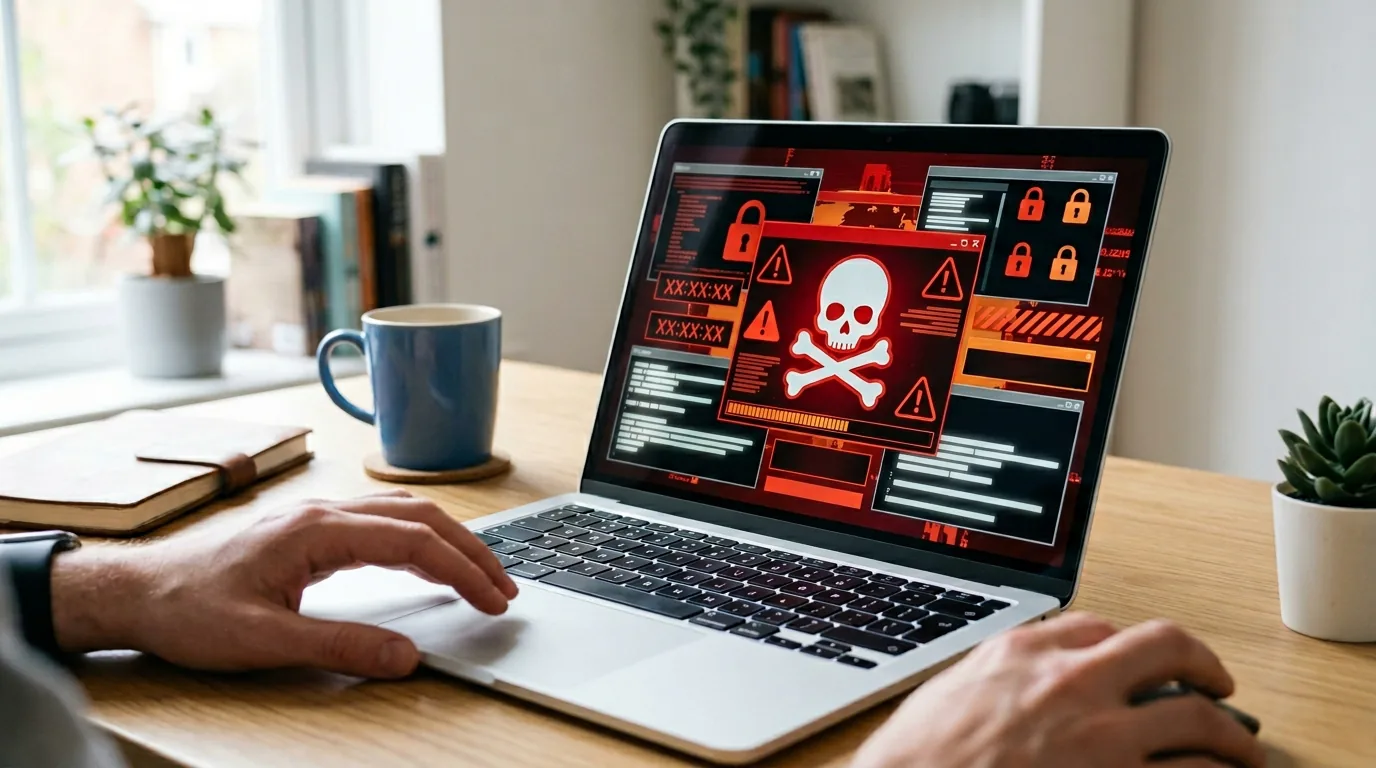
From here on, we cover what to do if you have already been infected. It is a stressful situation, but getting the order wrong widens the damage.
It is important not to panic and to act in this order: first prevent the spread, then confirm, and finally report and seek advice.
Four steps to take right after infection
1. Disconnect from the network immediately.
For wired connections, unplug the LAN cable; for wireless, turn off Wi-Fi; and stop shared connections as needed.
The Tokyo Metropolitan Police Department also clearly advises isolating infected devices from the network.
This is to prevent lateral spread to other devices and shared folders.
2. Do not rashly power off the device; identify the type.
The Tokyo Metropolitan Police Department advises not to turn off the power of infected devices.
This is because information needed for decryption or investigation may remain in memory or logs.
Note down the extension, ransom note, detection name and so on, and determine which family of ransomware it is.
3. Try free decryption with No More Ransom.
No More Ransom provides a repository of decryption tools and keys, and depending on the type, you may be able to decrypt without paying.
Of course it does not cover every type, but it is well worth checking.
4. Report to and consult the National Police Agency, the Tokyo Metropolitan Police Department and IPA.
The National Police Agency advises victims to report and seek advice at their nearest police station or cybercrime consultation desk, bringing communication logs and other materials.
IPA also has a consultation desk for companies. Businesses in Tokyo can also use the Tokyo Metropolitan Police Department's cyber consultation desk. CyberCrew has set up an emergency response line, where our specialist security team responds quickly.
Consulting outside parties gives you more information for preventing the damage from spreading and preventing recurrence.
Should you pay the ransom?
The short answer is that we do not recommend paying the ransom.
It is certainly natural, when business has stopped and important data cannot be opened, to think "we want it back quickly even if we have to pay." But paying does not necessarily mean the data will be decrypted, and there is no guarantee of recovering everything as it was.
Furthermore, the money paid becomes profit for the attackers and lays the groundwork for the next attack and new victims.
It cannot be called a reliable solution in practical terms, and it raises serious ethical problems as well.
That is why, even if you are hit, you should not assume payment, but instead prioritize isolation, investigation, confirming whether recovery is possible, and consulting the relevant authorities.
How to choose protection software to deploy after an infection
If you are serious about preventing recurrence, the time after an infection is exactly when you should review your existing security measures.
After all, having been hit once means there was most likely a weakness you had overlooked somewhere.
Going forward, you should think about EPP, which prevents intrusion itself, and EDR, which detects suspicious activity after intrusion and leads to investigation and response, as separate things, and ideally consider a setup with both layers.
On that basis, what matters is sorting out "what your current software can see and what it cannot." The realistic approach to product selection is to start from the comparison table and then fit it to your company's structure and operational load.
It is also worth knowing the infection routes protection software can block.
Measures to take beyond ransomware protection software
Installing software alone is not enough.
As the National Police Agency and CISA have repeatedly shown, ransomware protection needs to be approached as defense in depth.
In addition to software, closing off entry points through vulnerability assessments is also important.
https://cyber.spool.co.jp/vulnerability-assessment-company-guide/
At a minimum, carry out the following five measures together with deploying software.
- Keep your OS and software up to date at all times
VPN devices and public servers with known vulnerabilities left unpatched are classic entry points.
National Police Agency data also shows that intrusions via VPN and RDP account for the large majority.
Patching is unglamorous, but it is the top-priority preventive measure. - Take regular offline backups
Backups that stay directly connected to the network are not enough.
They only become meaningful when they cover offline storage, encryption, immutability and restore testing.
CISA also strongly recommends this. - Train staff not to open suspicious emails and attachments
Phishing and impersonation are still major entry points.
Beyond technical measures, it is important to build a culture of not reacting to suspicious emails. - Minimize access privileges
If anyone can modify shared folders, a single infected device can easily turn into company-wide damage.
Reviewing administrator privileges, sharing permissions and maintenance accounts, and simply removing unnecessary privileges, changes the scope of damage. - Provide thorough security training for employees
Ransomware exploits not just technology but human judgment too.
Setting minimum training and reporting rules speeds up the initial response.
Software is only at its most effective when combined with operations like these.
For ransomware protection, choose CyberCrew's vulnerability assessments and penetration testing
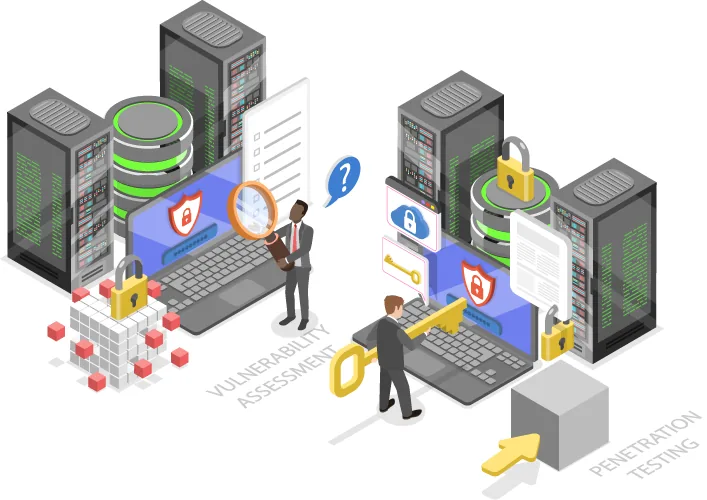
Ransomware protection does not end with choosing software.
National Police Agency data also shows that externally exposed routes such as VPN devices and remote desktop services are the main entry points.
If vulnerabilities at the entry points are left in place, adding endpoint products tends to leave your defenses lopsided.
Why vulnerability assessments and penetration testing count as ransomware protection
Ransomware damage is not necessarily caused simply by opening a suspicious email.
National Police Agency data also reports many cases believed to involve intrusion by exploiting vulnerabilities in VPN devices and RDP, or weak credentials.
That is why finding and fixing weaknesses in your external attack surface before attackers do is a highly effective preventive measure.
Vulnerability assessments are well suited to identifying weaknesses broadly across public assets and systems.
Penetration testing, on the other hand, is well suited to verifying how far those weaknesses could actually lead to damage.
In ransomware protection, using these two appropriately makes it easier to shrink your entry points and deal with high-priority risks.
Features of CyberCrew's vulnerability assessments and penetration testing
CyberCrew's penetration testing is a service that uses simulated attacks from an attacker's perspective to verify in practice how far an attacker could get and what would be affected.
Rather than simply listing vulnerabilities, it is designed to reveal the underlying risks in light of your configuration and operations.
Our vulnerability assessment service also explicitly aims to cover a wide range of systems at low cost and high quality, combining tool-based and manual assessment.
In addition, CyberCrew's service is registered under the Ministry of Economy, Trade and Industry's "Information Security Service Standards," and its service registry information shows that comprehensive penetration testing and one retest are included in the standard price, and that all work is carried out in-house without outsourcing.
For companies that want hands-on support including clear reports and improvement proposals, we provide assessments and proposals grounded in real-world practice.
Pricing plans and costs
CyberCrew offers vulnerability assessments from 100,000 yen, penetration testing for web applications from 200,000 yen, and network penetration testing from 1,000,000 yen.
Actual costs vary with the scope, environment and purpose of the assessment, so we provide individual quotes.
We also offer free consultations, so please feel free to contact us even if you are at the stage of "we don't know what we should assess first."
Frequently asked questions about ransomware protection software
What is ransomware protection software?
Ransomware protection software detects behavior such as encryption and unauthorized file changes, blocks it, and in some cases even helps with recovery. It differs from ordinary antivirus in that it is designed with unknown ransomware and limiting damage after a compromise in mind.
Which security software is strongest against ransomware?
By use case, Norton 360 for individuals, AppCheck for SMBs that want to add to existing software, and EDR products for companies with IT staff that prioritize visibility after intrusion are the strong options.
If you are unsure, choosing from the comparison table in this article is the quickest way.
Is there free ransomware protection software?
Few products can be called reassuring enough for corporate use on an entirely free basis.
Microsoft Defender, which comes standard with Windows, provides minimum protection, and vendors offer 30-day trials and evaluation versions, but for corporate use, paid editions with management and recovery features are the realistic choice.
Is Windows Defender alone enough?
It is effective as a minimum measure for individuals.
However, on its own it cannot be called sufficient for what companies need: post-compromise visibility, cross-device investigation, containment and operational management. For corporate use, we recommend considering higher-tier functions such as Defender for Endpoint or a separate EPP and EDR.
How much does ransomware protection software cost?
All-in-one products for individuals generally cost from around 4,000 yen to the low 10,000s of yen per year.
For SMBs, costs run from tens of thousands to hundreds of thousands of yen depending on the number of devices and whether servers are protected, and most EDR products are priced on request.
Estimates should include not just the unit price but also the staff needed to run it.
What should I do if I am infected with ransomware?
First disconnect from the network, do not rashly power off the device, and check whether decryption is possible with No More Ransom.
Then consult public bodies such as the police and IPA, and for assessing the damage and planning measures to prevent recurrence, contact CyberCrew early as needed.
Responding in the right order makes it easier to prevent the damage from spreading and recovery from being delayed.
For details, see "What to do if you are infected with ransomware" in this article.
Summary
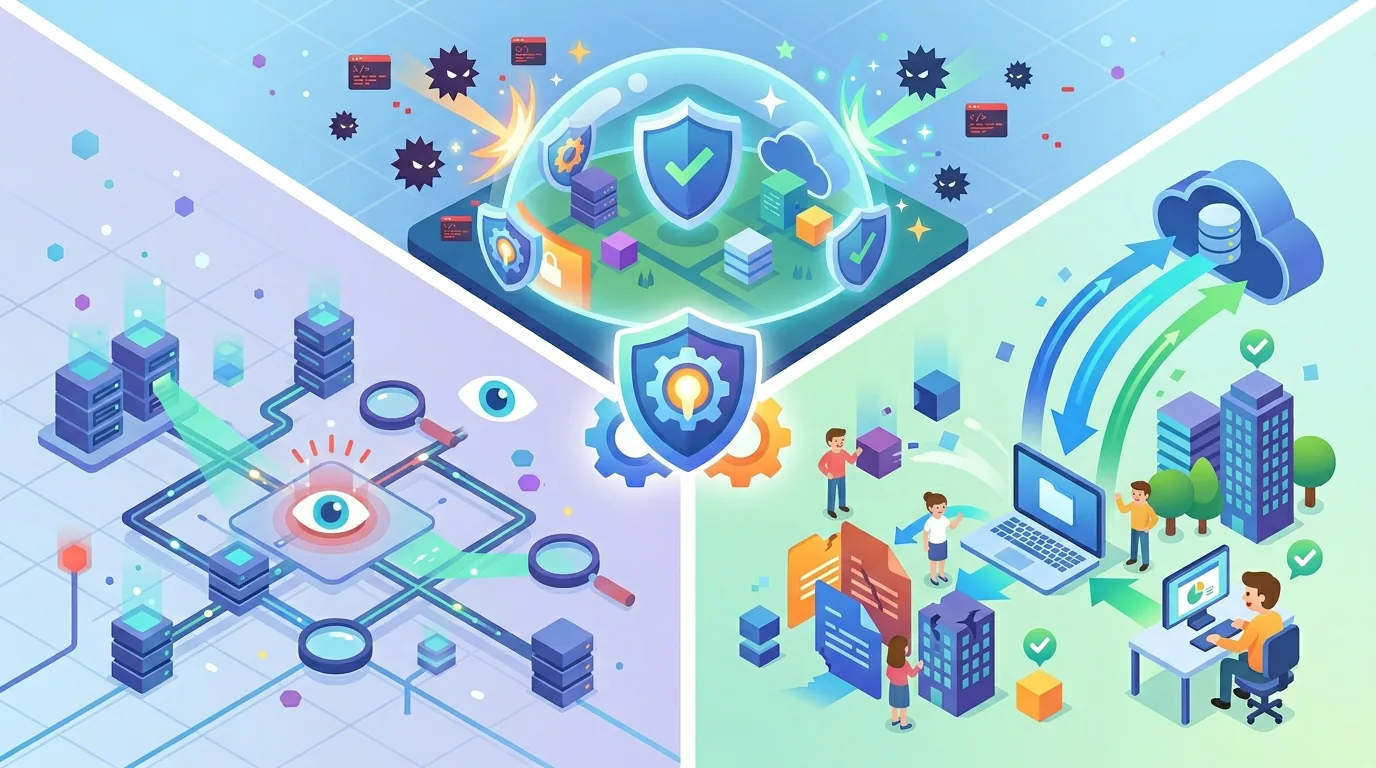
This article comes down to three conclusions.
First, ransomware protection should not be "we're safe because we have antivirus" but should be thought of in three layers: defense before intrusion, detection after intrusion, and means of recovery.
Second, the right way to choose products is by use case: Norton 360 for individuals, AppCheck for SMBs, and EPP combined with EDR for mid-sized companies and larger is the realistic setup.
Third, it only works when it covers not just software but also vulnerability management for external attack surfaces such as VPN and RDP, offline backups and training.
If you are unsure where to start, compare free trials or evaluation versions that suit your company's situation first.
Then, if you have concerns about internet-facing devices or VPNs, consider not only deploying software but also vulnerability assessments and penetration testing.
With ransomware protection, starting early rather than acting after damage occurs gives you more options and makes progress more realistic.